
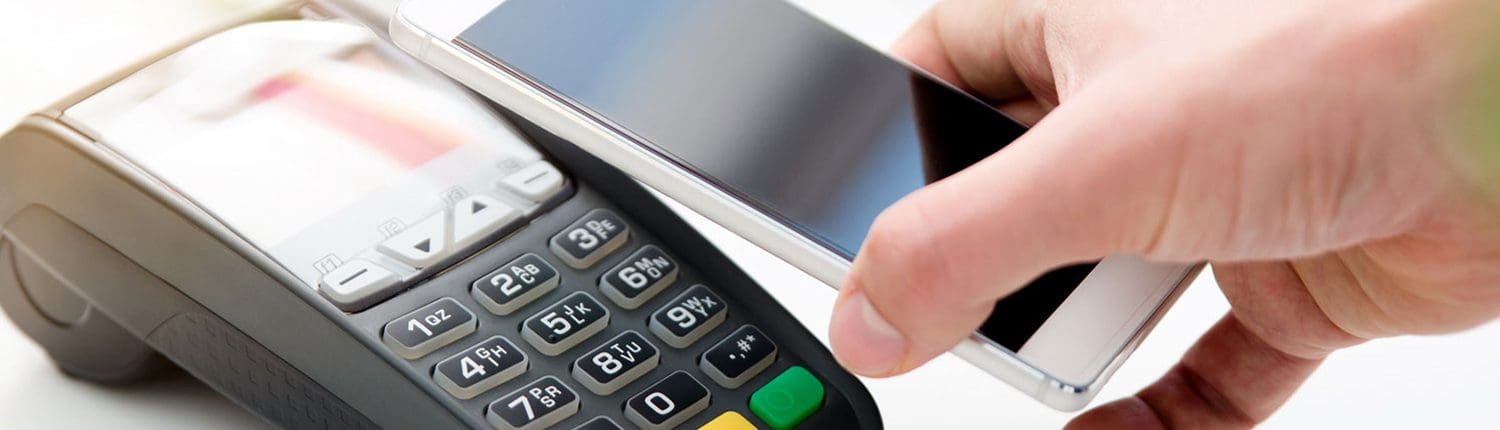
Mobile Pay is the fast, simple, secure way to pay in millions of places with just the touch of a button. Spending money shouldn’t mean spending more time at the register. Load your United Fidelity Bank Visa® Debit Card and pay right from your mobile device.
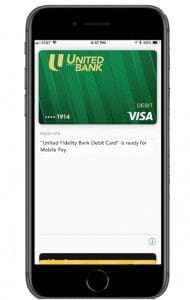
Mobile Pay Set Up

Apple Pay®
-
On your iPhone®, open the Wallet app
-
Tap (+) to add your card
-
Enter your eligible United Fidelity Bank Debit card information or scan your card
-
Verify your card for security purposes
-
Touch to pay! Authorize payment via a tap of your phone or with Apple Watch®, double click the side button

Google Pay™
-
Using your Android™ device, download the Google Pay app
-
Tap (+) in the app to add your card
-
Enter your eligible United Fidelity Bank Debit card information or scan your card
-
Verify your card for security purposes
-
Now you can make all of your purchases with ease!

Samsung Pay®
-
Download the Samsung Pay app and login
-
Select “add your card” option
-
Enter your eligible United Fidelity Bank Debit card information or scan your card
-
Verify your card for security purposes
-
To make a purchase, just tap and pay!
Mobile Pay Set Up
Apple Pay™
-
On your iPhone®, open the Wallet app
-
Tap (+) to add your card
-
Enter your eligible United Fidelity Bank Debit Card information or scan your card
-
Verify your card for security purposes
-
Touch to pay! Authorize payment via a tap of your phone or with Apple Watch®, double click the side button
Google Pay
-
Using your Android™ device, download the Google Pay app
-
Tap (+) in the app to add your card
-
Enter your eligible United Fidelity Bank Debit Card information or scan your card
-
Verify your card for security purposes
-
Now you can make all of your purchases with ease!
Samsung Pay
-
Download the Samsung Pay app and login
-
Select “add your card” option
-
Enter your eligible United Fidelity Bank Debit Card information or scan your card
-
Verify your card for security purposes
-
To make a purchase, just tap and pay!